Class routine app for university students, anywhere
Never walk into the wrong room again.
Snap a photo of your routine and ClassCue fills it in. Get a reminder with the room and course code before every class, count down to exams, and keep your teachers one tap away.
Your routine is a photo in a chat. It should be a reminder.
Classes move, rooms change, and a screenshot from three weeks ago does not buzz your phone. ClassCue turns your routine, from any university, into a calm, colour-coded week and tells you, right in the notification, which room to walk to.
Scan
Photo in, routine out
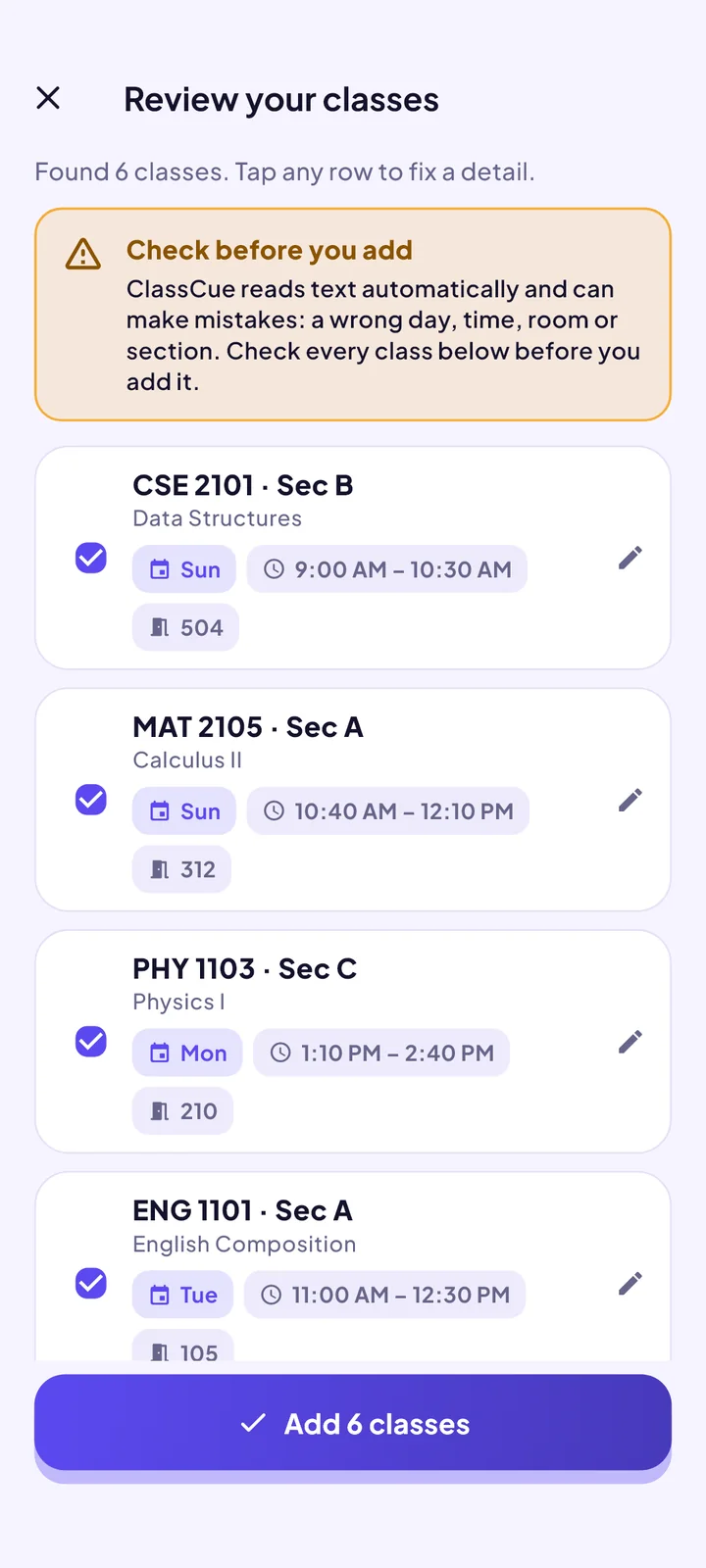
Photograph a printed routine or screenshot a portal. ClassCue reads the days, times, rooms and sections on your phone, then shows every class for you to check before it is added.
Reads tables and timetable grids from any university
Also takes text pasted from WhatsApp or Messenger
Photos never leave your phone
9:41
Reminders
A nudge that says where to go
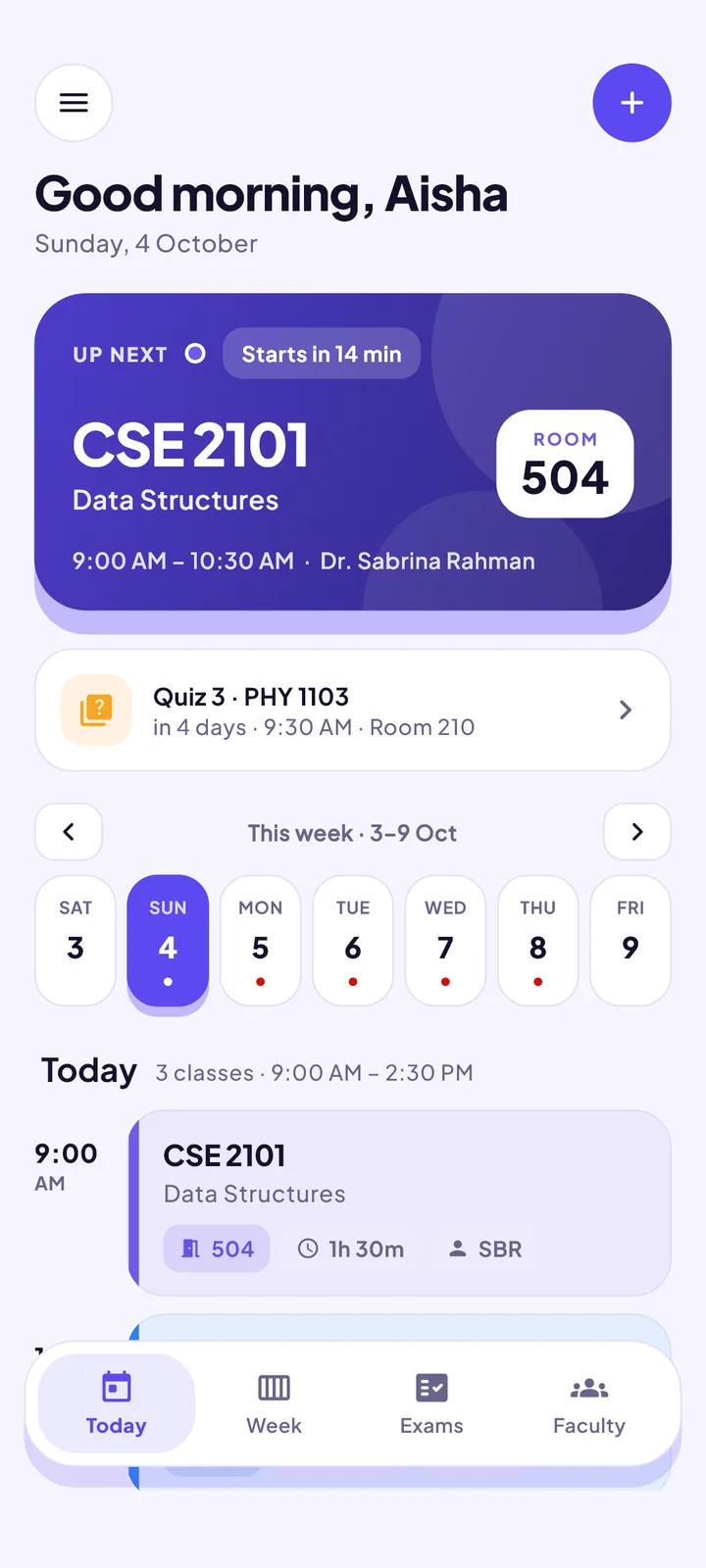
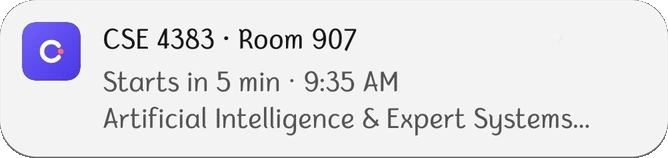
Before every class the notification carries the course code, the room and the start time. It uses the phone’s own alarm system, so it barely touches your battery.
Course code, room and time at a glance
A live “up next” card on the Today screen
Keeps working with no internet
9:41
Week and exams
Your whole semester, in colour
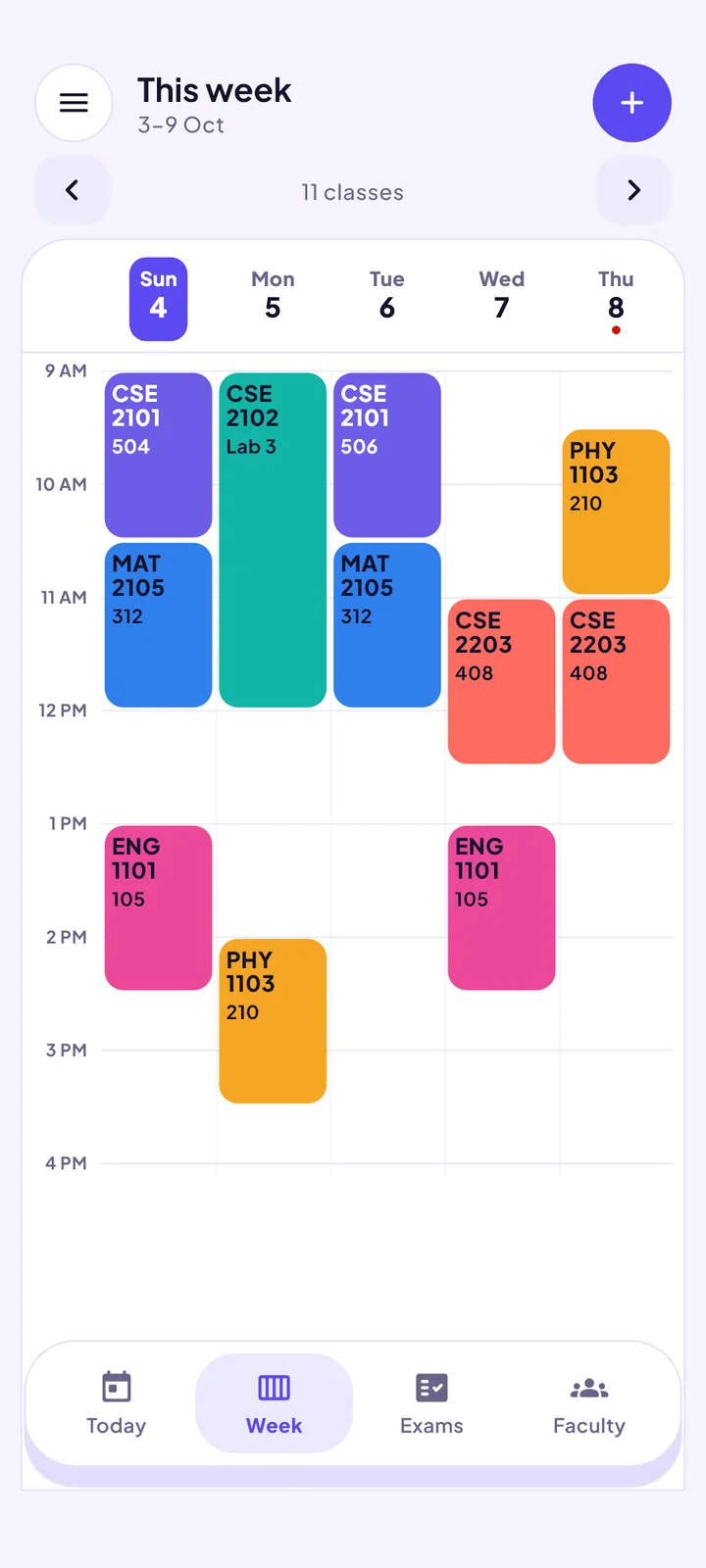
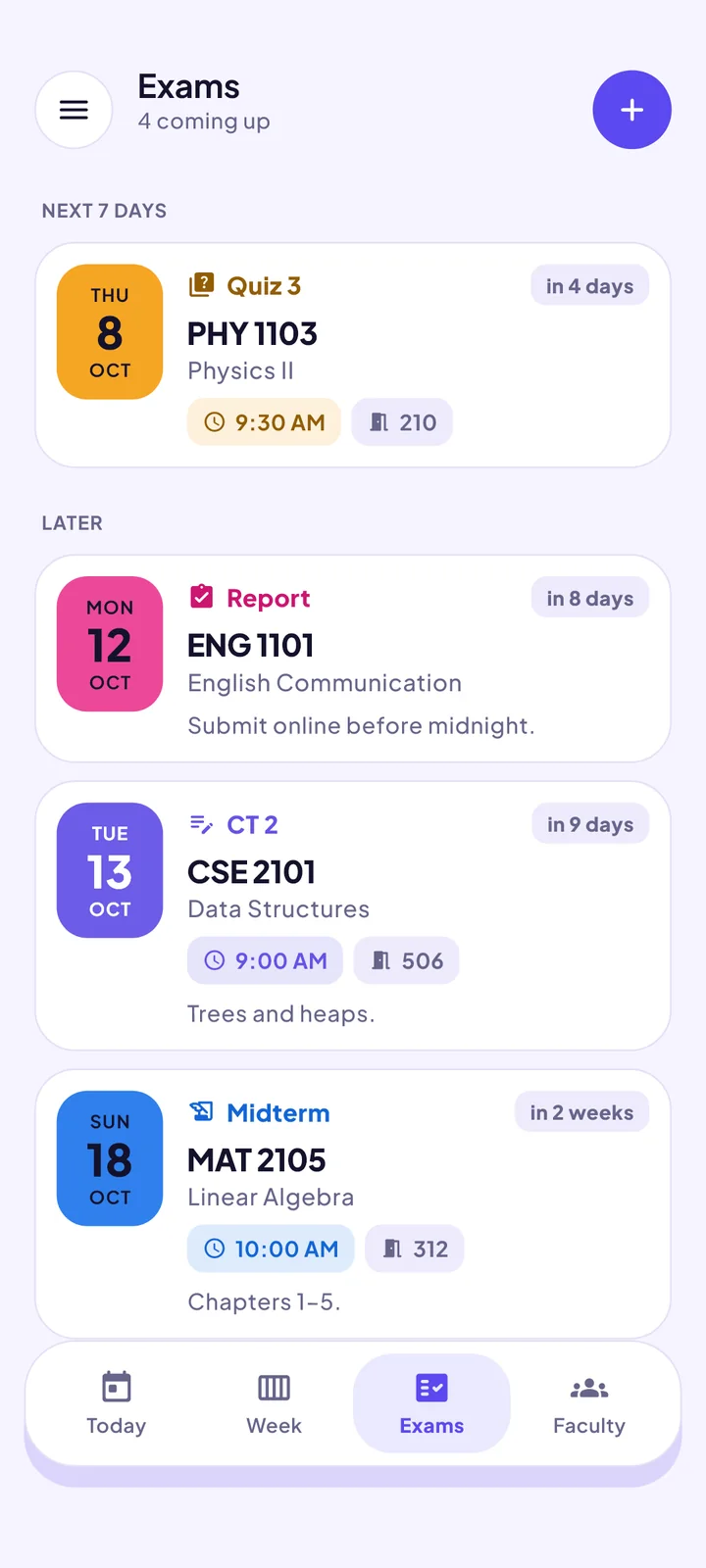
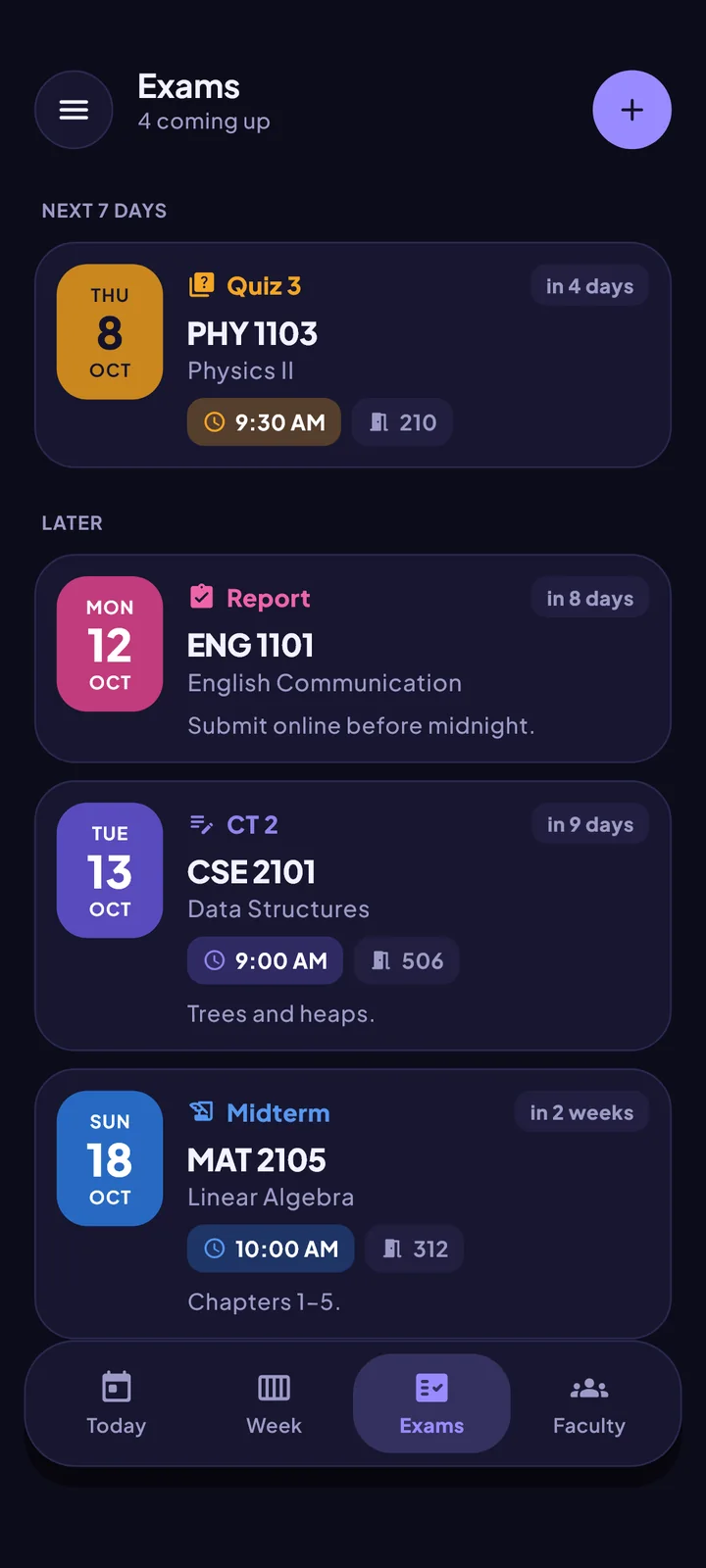
A colour-coded week grid, and exams with room, time, syllabus and a countdown. Set an exam period and regular classes pause for you.
Browse week by week
Class tests, midterms and finals
Make-up classes and one-off cancellations
9:41
9:41
Faculty
Every teacher, one tap away
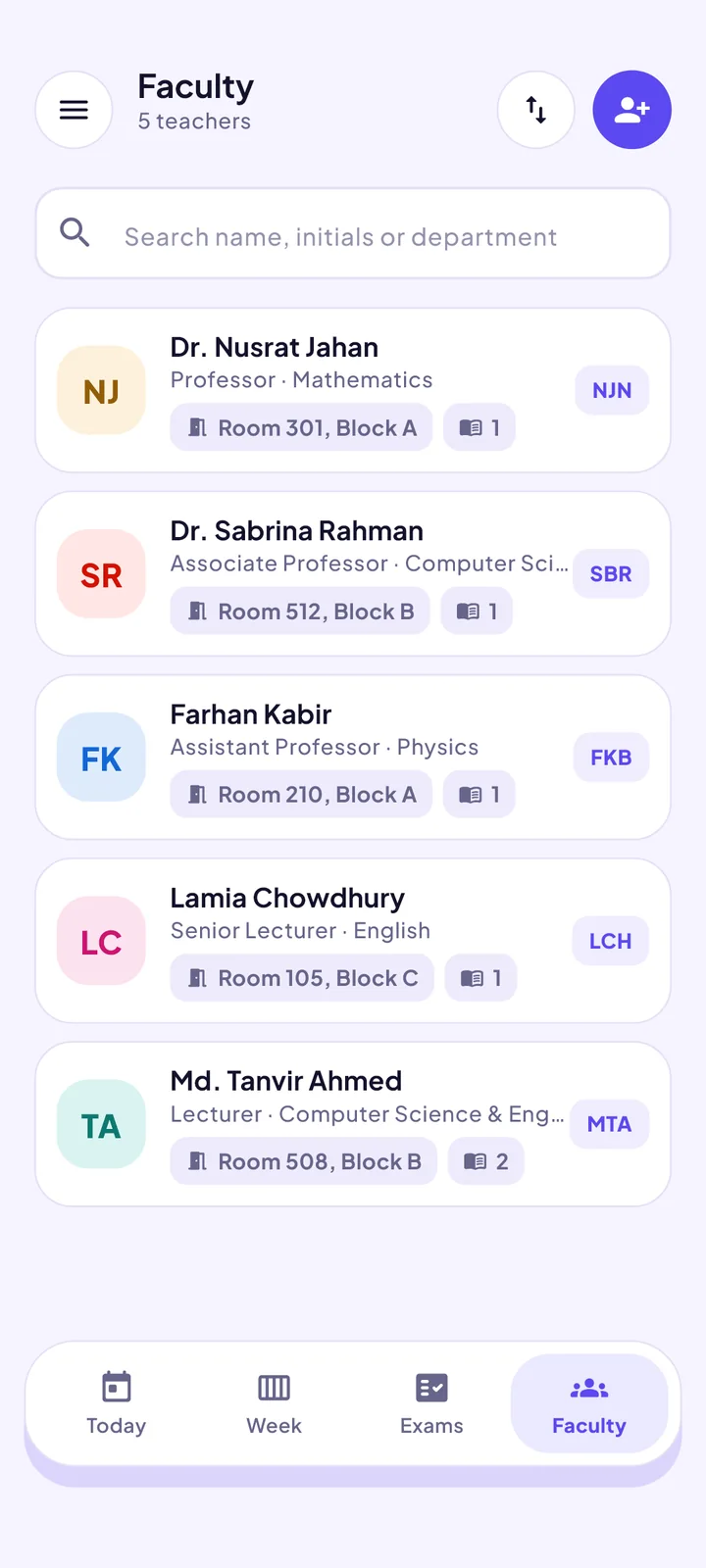
Teachers appear as you add classes, whichever university you are at. Where a ready-made list exists, import it and each teacher comes with a photo, email, phone and office room, wherever their university publishes them.
Add teachers yourself, or import a ready-made list
Teachers match your classes by name
Call or email without leaving the app
9:41
Ready-made lists so far
And the rest
Everything else a routine needs
Attendance and missed classes
Mark attended or missed, see your percentage for each course, and note why you missed a class.
Share a routine in one tap
Send your routine to a classmate on WhatsApp or SMS. They paste it into ClassCue and it is in.
Import from anywhere
A photo, pasted text, a spreadsheet or a routine another ClassCue user shared. Pick whatever is quickest.
Private and offline
No account, no sign-up. Your routine lives on your phone and everything essential works without internet.
Make it yours
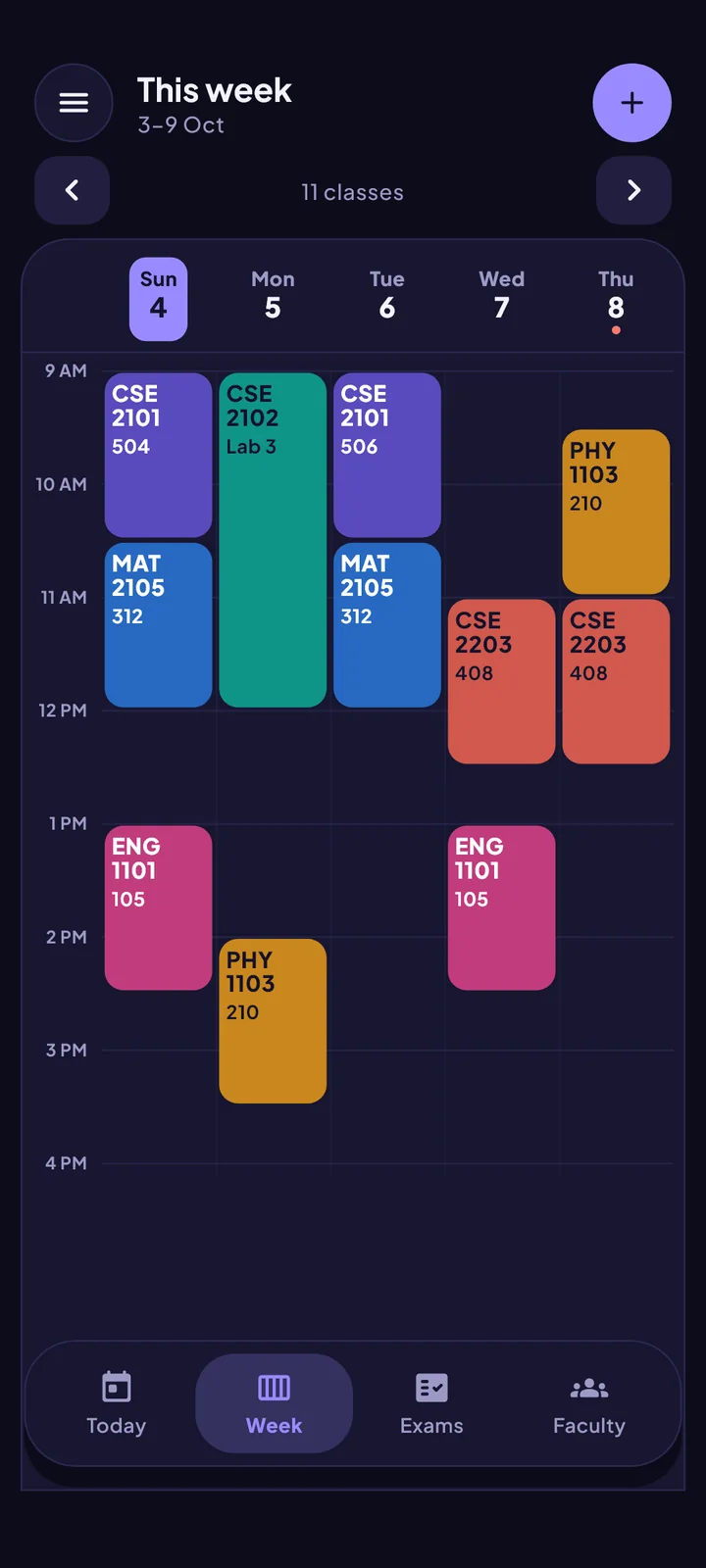
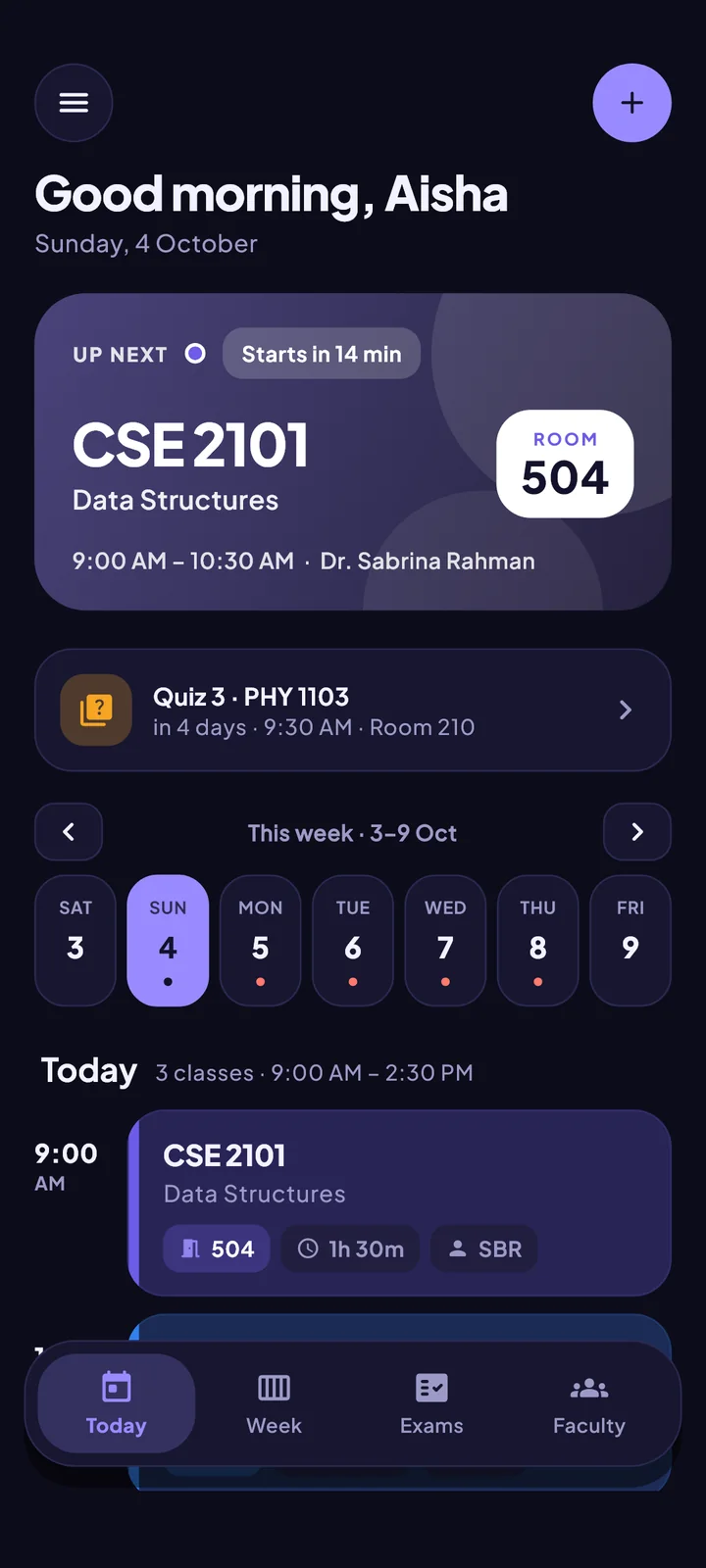
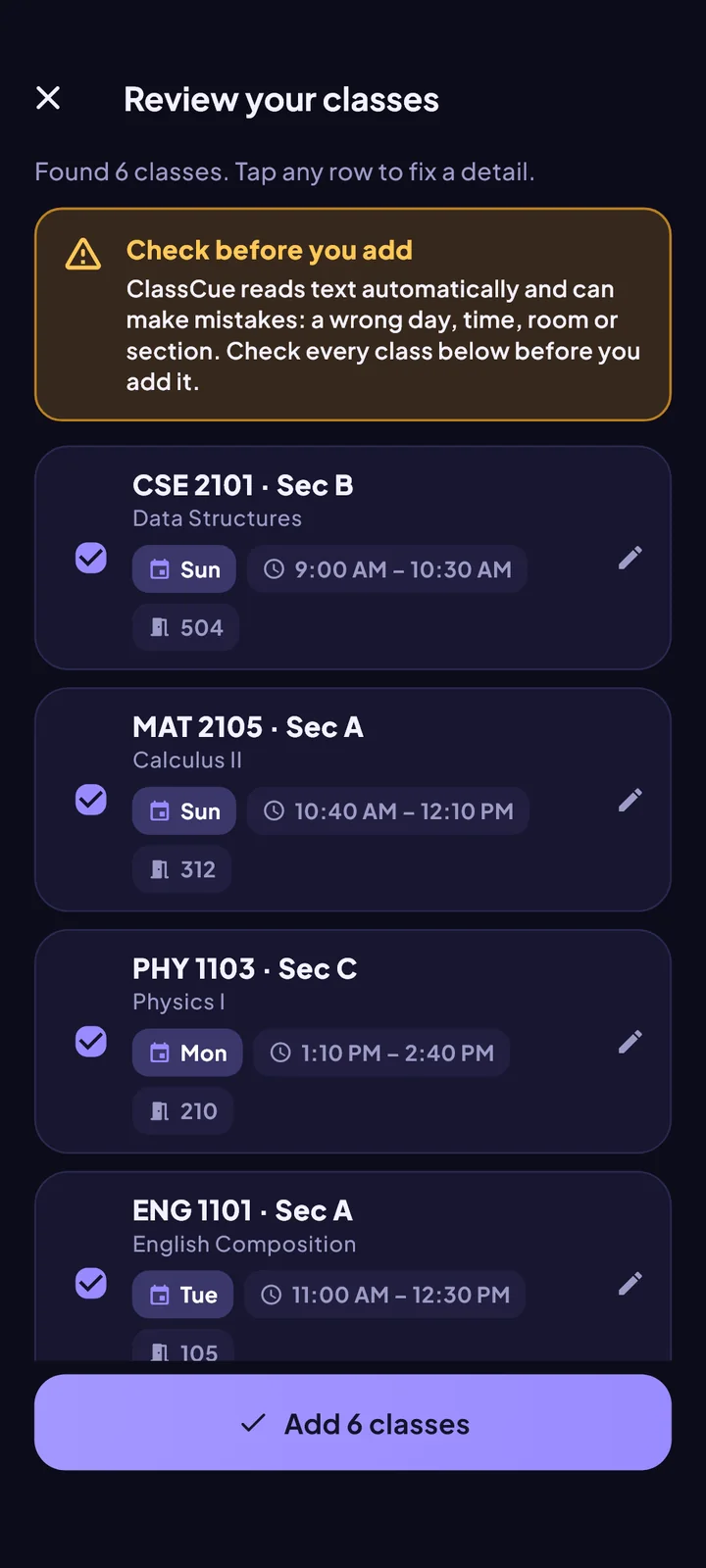
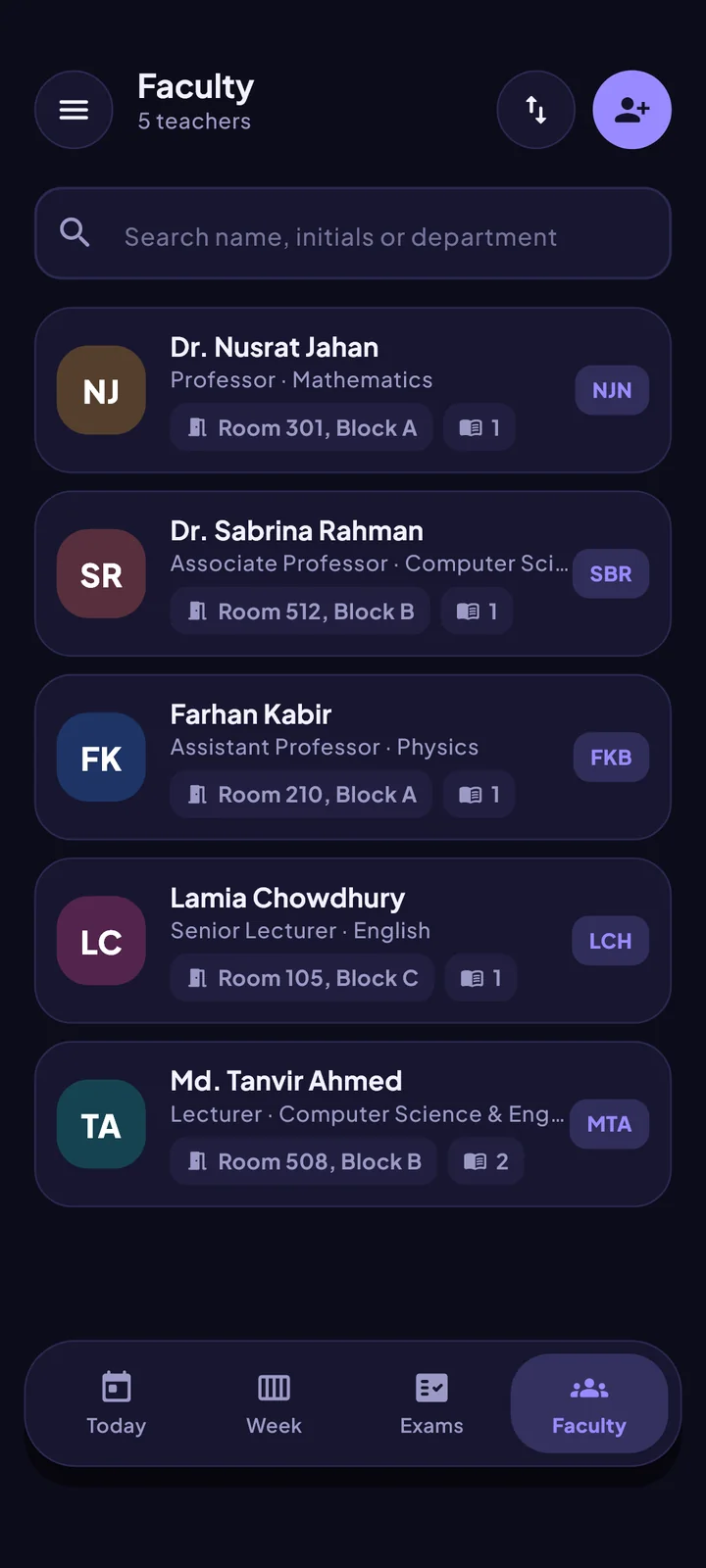
Dark mode, colour themes and fonts, including one designed for easy reading.
A fresh start each semester
Clear last semester’s classes and exams in one step, and keep your faculty list.
How it works
Set up in about a minute
1
Add your routine
Snap a photo, paste a message, import a file or type it in.
2
Check it
Reading a photo can go wrong, so ClassCue shows every class for you to review before it is added. Tap any row to fix it.
3
Get on with your day
A reminder arrives before each class with the room and the course code.
ClassCue works with any university’s routine. For these universities we have also prepared the teacher list, so you can import every teacher in one go. Not listed? You lose nothing: teachers are added as you add your classes, and you can ask us to build the list for your university.
Yes. ClassCue reads the routine itself, so it works with any university: scan a photo or screenshot, paste text, or type classes in. The ready-made faculty lists are an extra for some universities, and more are added all the time.
Does ClassCue need the internet?
No. Everything essential works offline, and photo scanning happens on your phone. The internet is only used for app updates and store features.
How does scanning work, and is it accurate?
ClassCue reads the text in your photo on your device, then works out days, times, rooms and sections. Photos are never uploaded. Reading can go wrong, so it always shows you every class to check before anything is added.
Which routine formats can I import?
Photos and screenshots of tables or timetable grids, text pasted from WhatsApp or Messenger, spreadsheet text, and routines shared by other ClassCue users.
Is there an iPhone version?
Not yet. ClassCue is coming to the App Store, and this page will show the button the day it launches.
How do I use a university faculty list?
Download the file for your university and open it with ClassCue, or use Import in the Faculty tab. Every teacher is then in your Faculty list, and they match your classes by name.
Is the faculty data accurate?
The lists are compiled from universities’ public faculty pages and can be out of date or incomplete. Check anything important with the department. If you want your details changed or removed, contact us and we will update the list.
Can you add my university’s faculty list?
Yes, and we add new ones regularly. Tell us which university you need through the contact link below. Until then ClassCue works as usual: teachers are added as you add your classes.
Using an iPhone?
ClassCue is coming to the App Store. Until then it is available on any Android phone.