ClassCue

Features

Everything ClassCue does

One calm app for your routine, your exams and your teachers. Works offline, with no account.

Add your routine

Four ways in, whichever is quickest

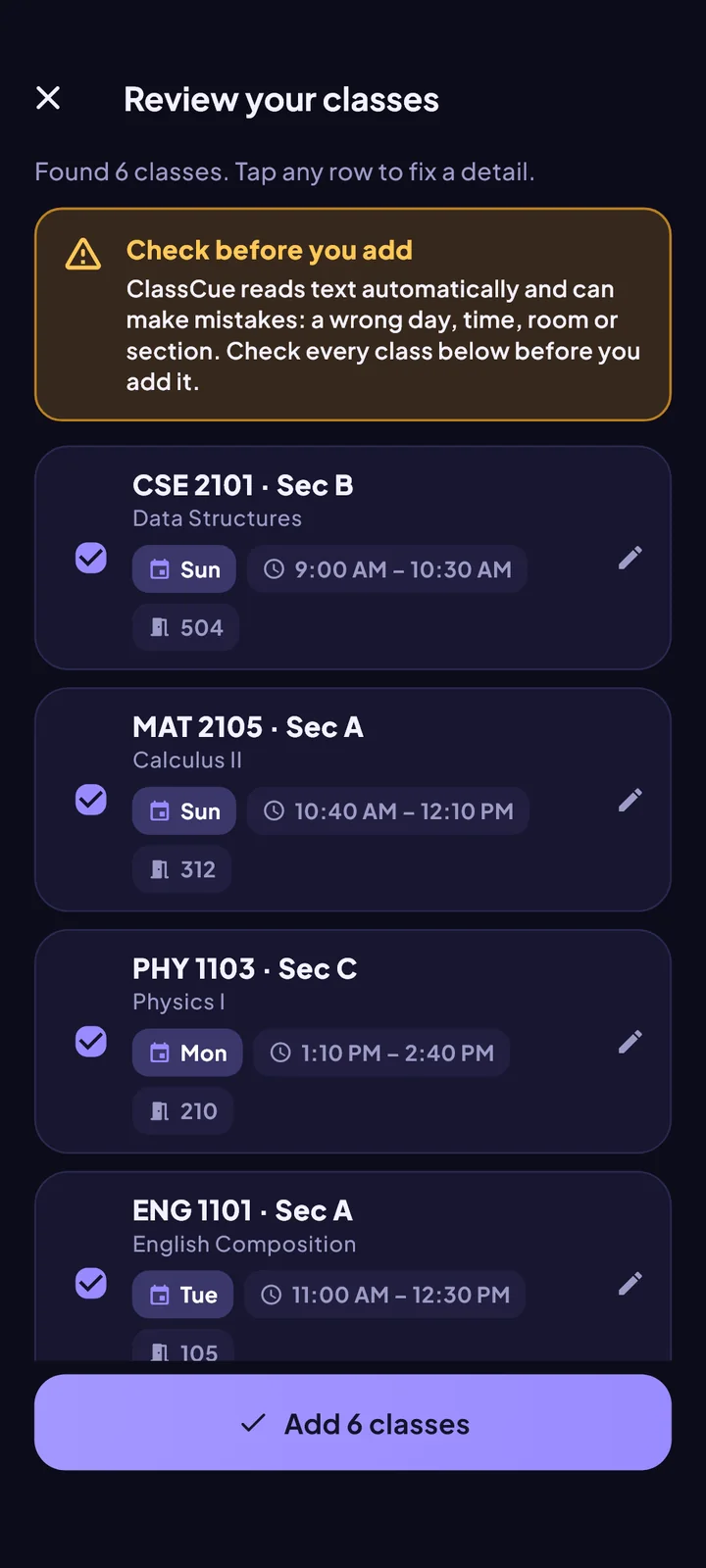
Use whatever you have: a photo, a chat message, a file or just your memory. ClassCue always shows what it understood so you can check it first.

  • Scan a photo or screenshot, read on your phone
  • Paste text from WhatsApp, Messenger or SMS
  • Import a spreadsheet, a backup or a routine a friend shared
  • Or add classes by hand: several days at once, one form
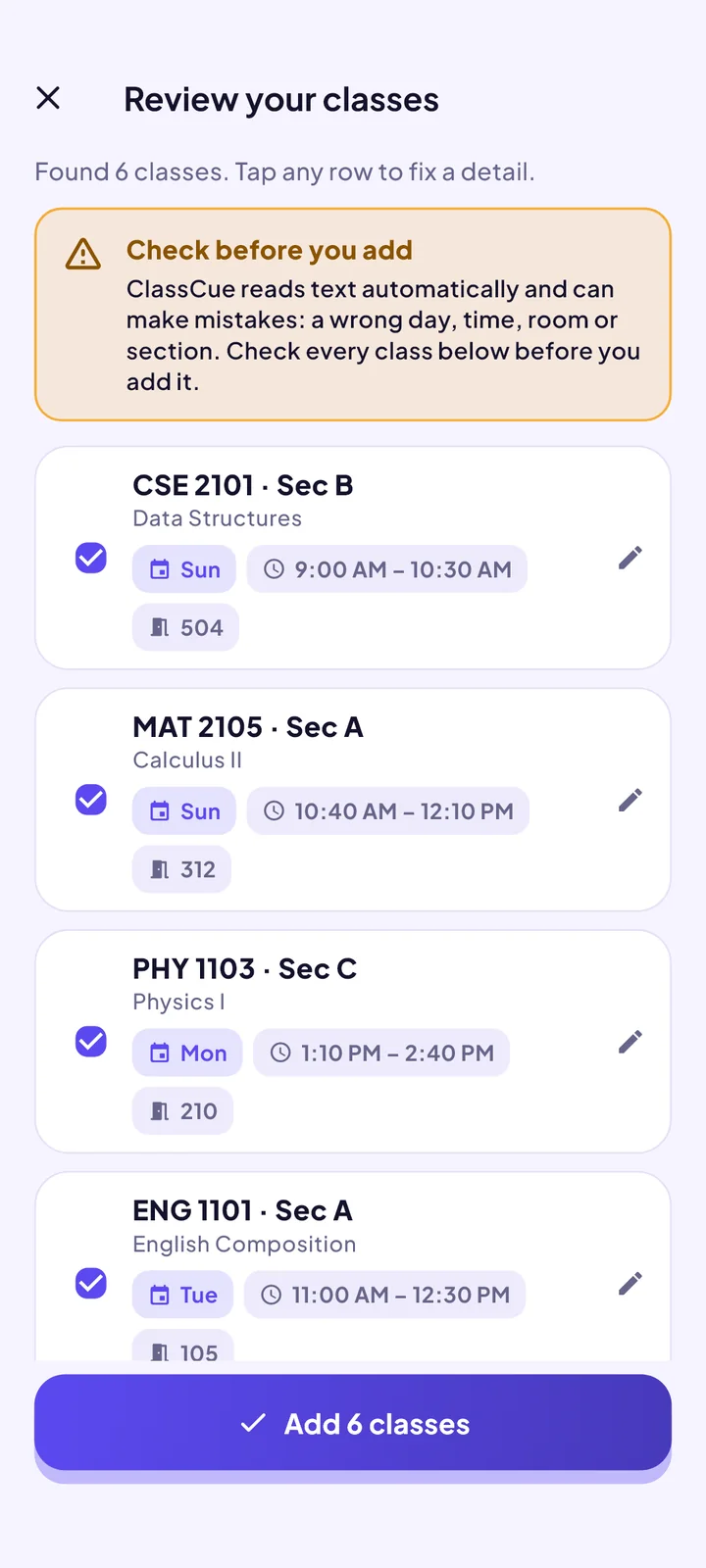
The Add your routine screen of the ClassCue app

Reminders

A nudge before every class

The notification carries the course code, the room and the start time. Choose how early it arrives. It uses the phone’s own alarm system, so it barely touches your battery.

  • Choose how many minutes before class
  • Reminders for exams too
  • Pause them during holidays and exam periods
  • Works with no internet
The Reminders screen of the ClassCue app

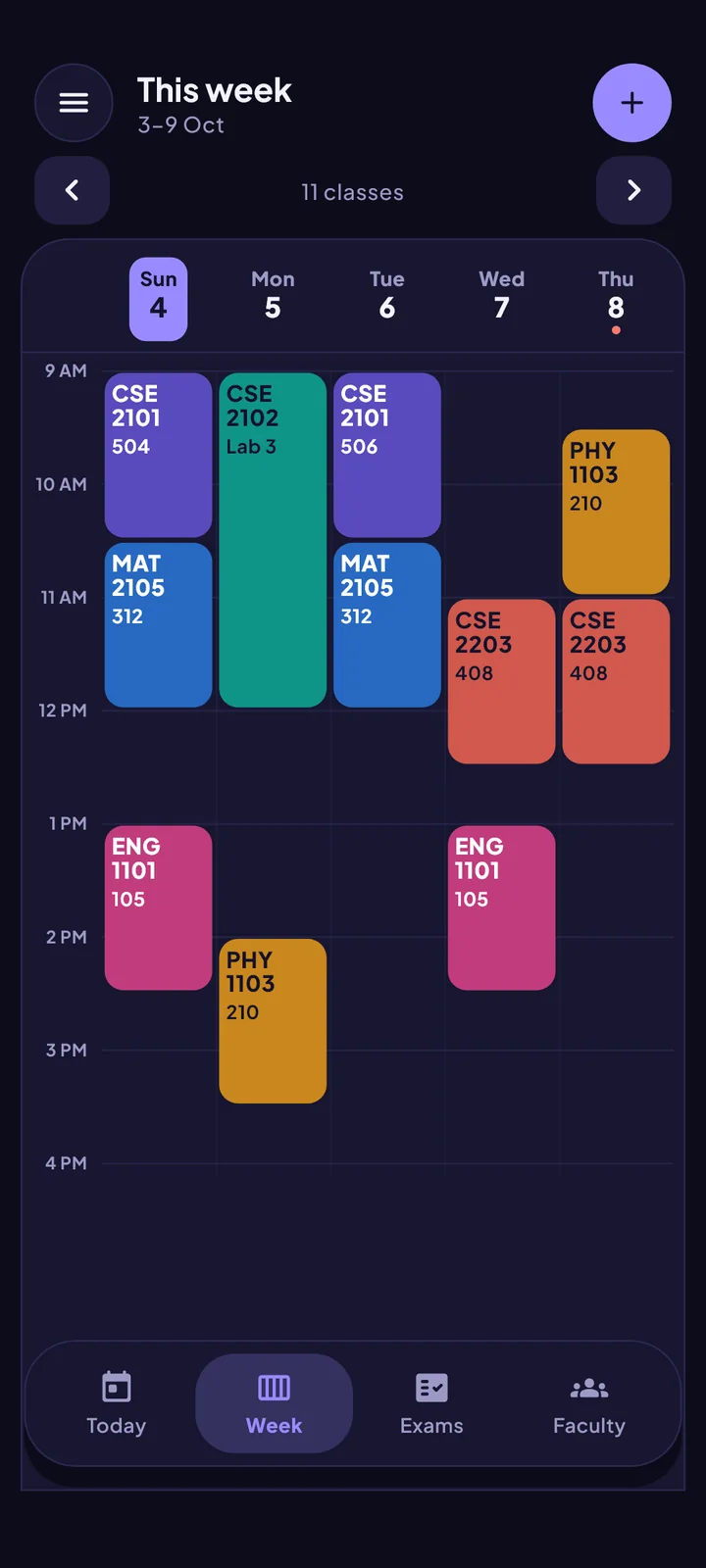
Today and week

Your week at a glance

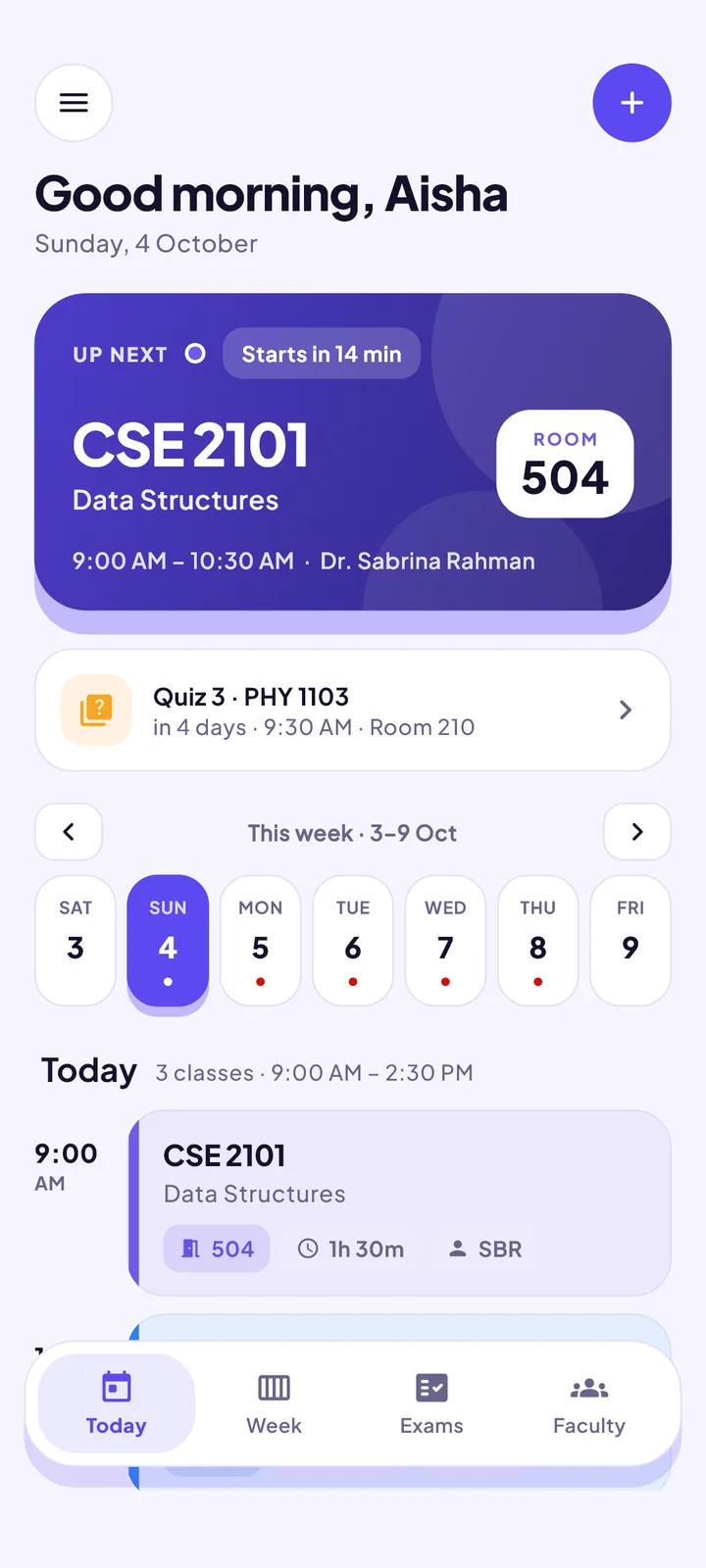
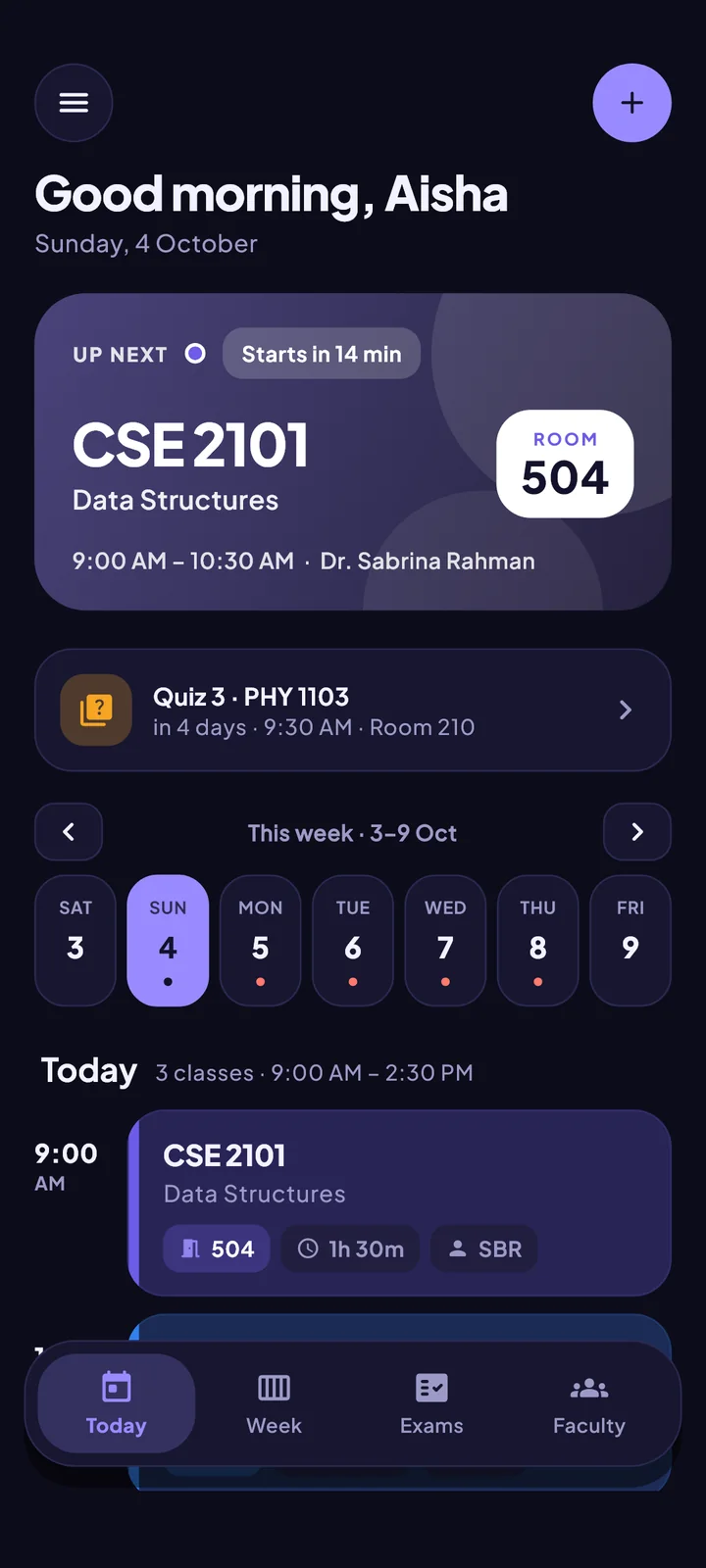
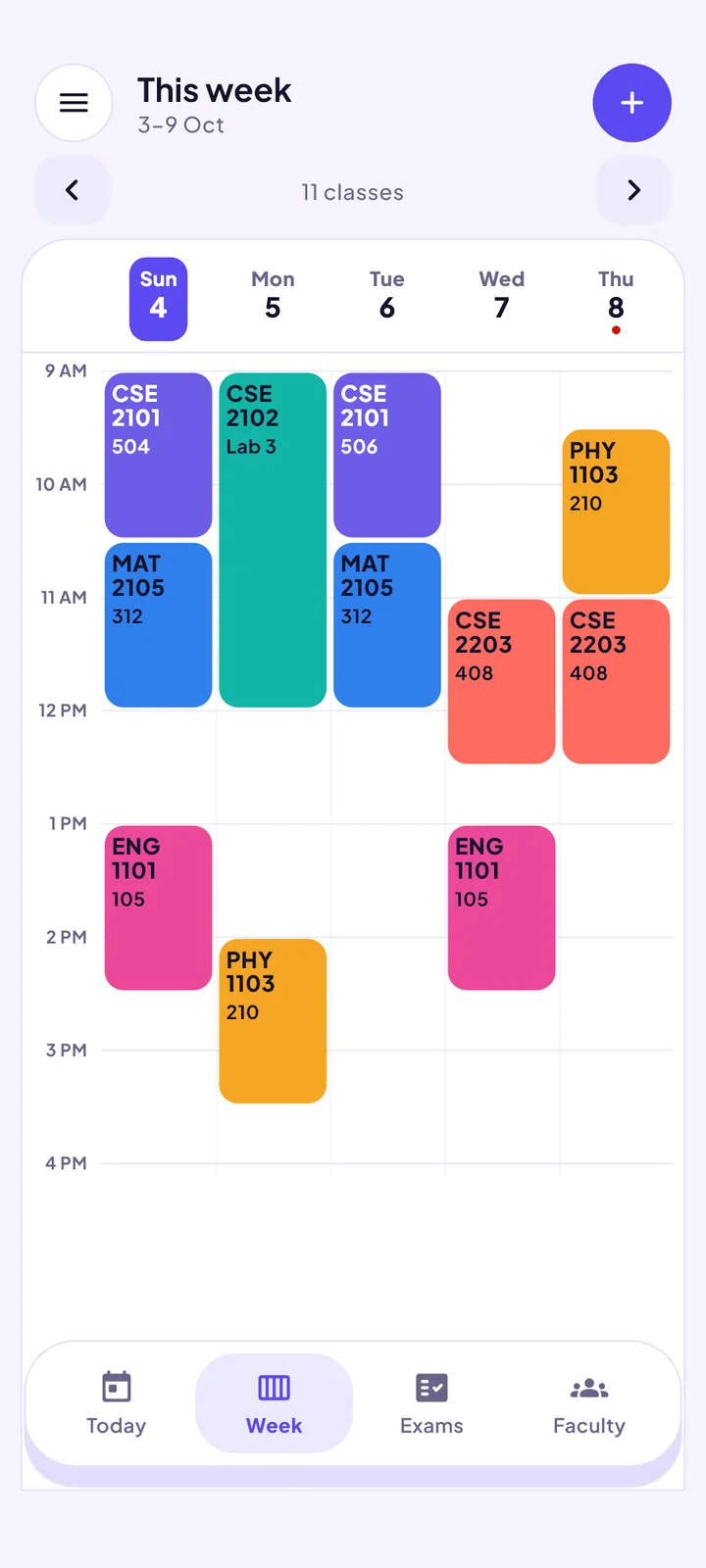
A live “up next” card on Today, a colour-coded week grid, and quick browsing week by week. Each course keeps its own colour everywhere.

  • Start the week on the day you prefer
  • 12-hour or 24-hour clock
  • Make-up classes and one-off cancellations
  • Spot clashes before they happen
The Today and week screen of the ClassCue app

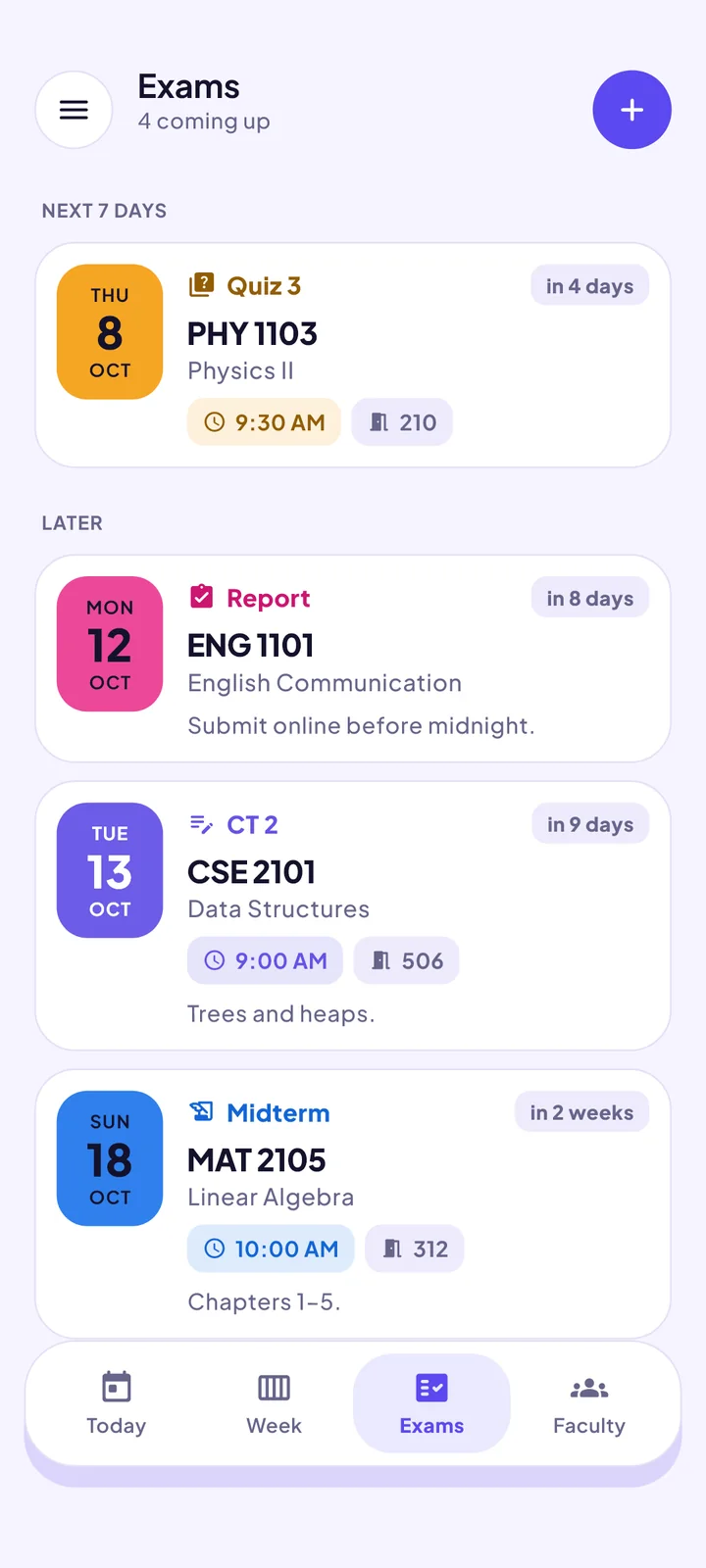
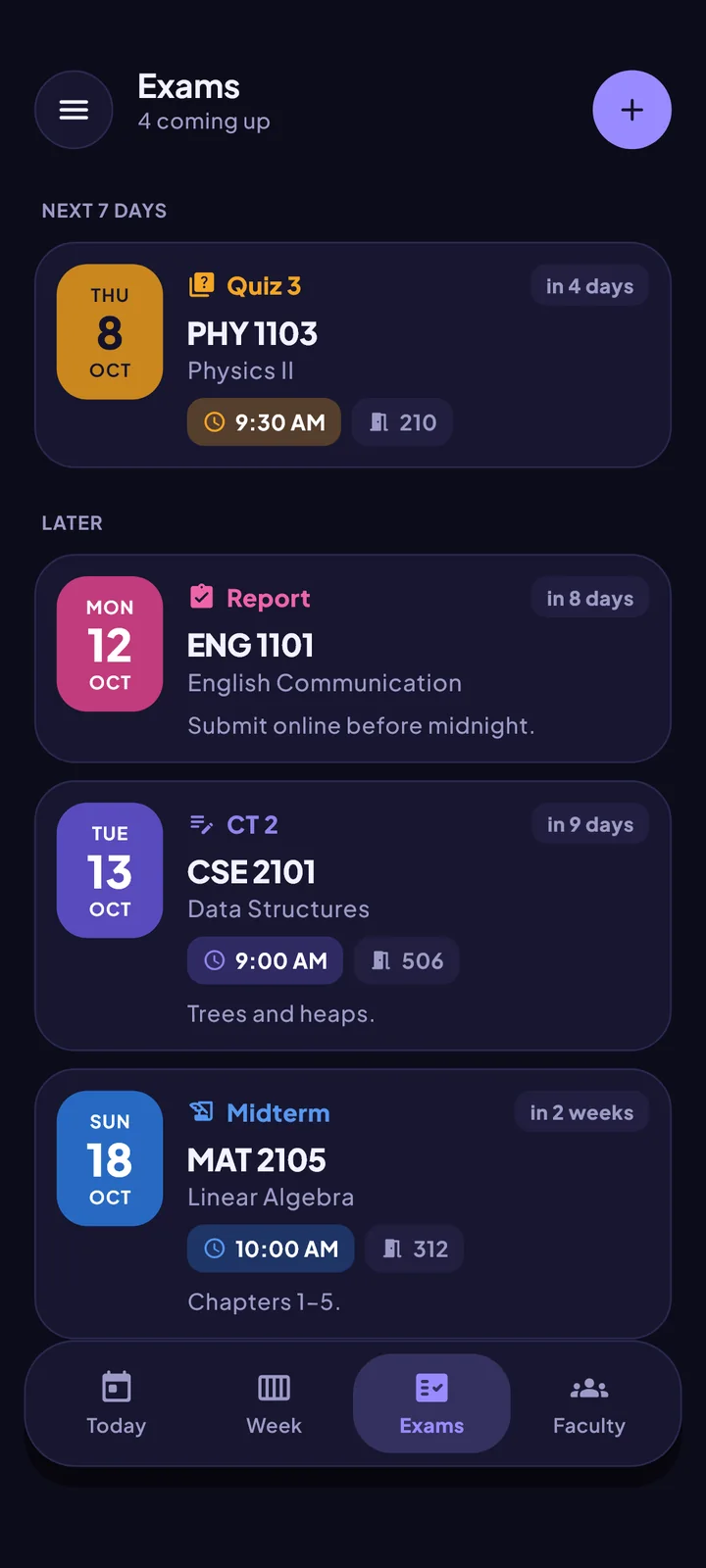
Exams

Exams, counted down

Add class tests, quizzes, assignments, presentations, midterms and finals with room, time and syllabus, and watch the days tick down.

  • Room, time and syllabus on every exam
  • A countdown that says how many days are left
  • Set an exam period and regular classes pause
  • Reminders the evening before and before it starts
The Exams screen of the ClassCue app

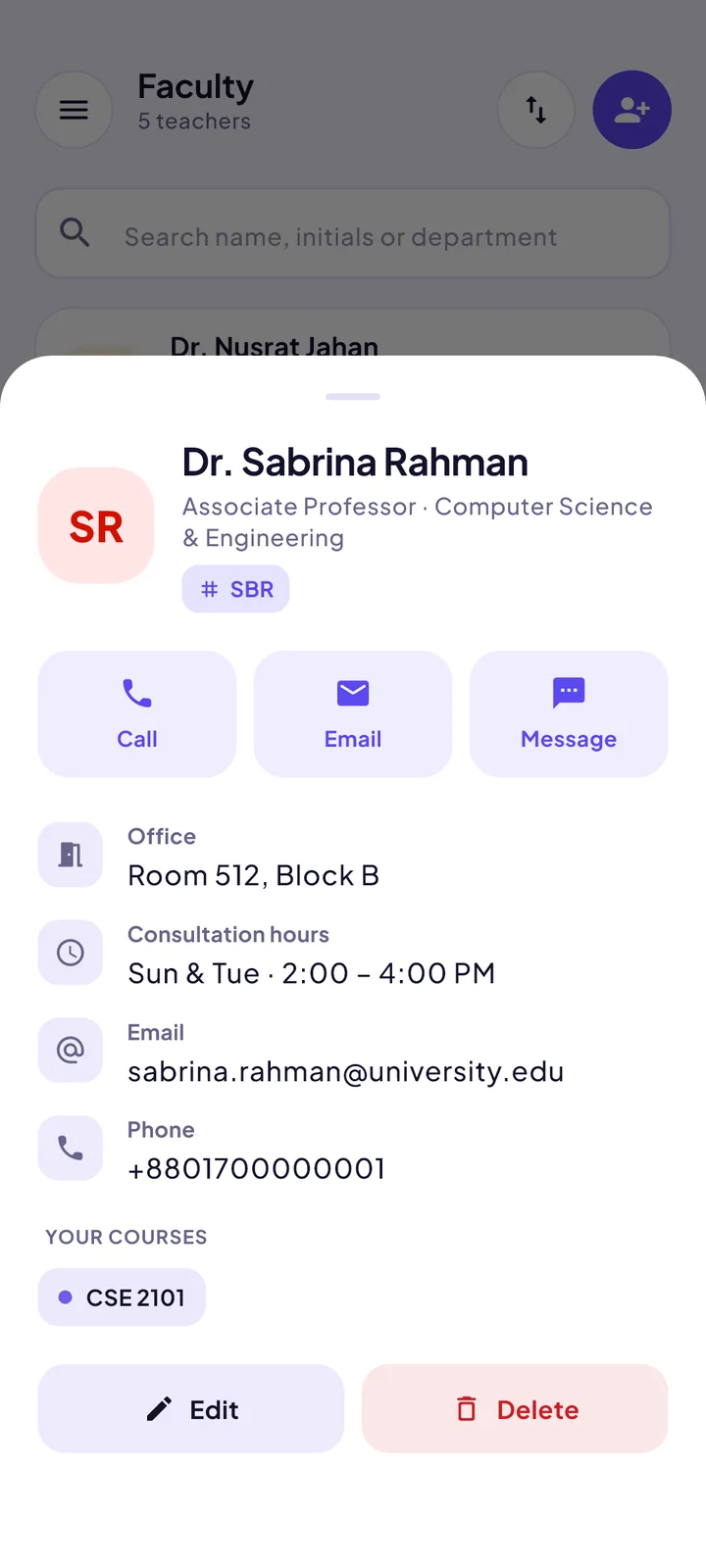
Faculty

Every teacher, one tap away

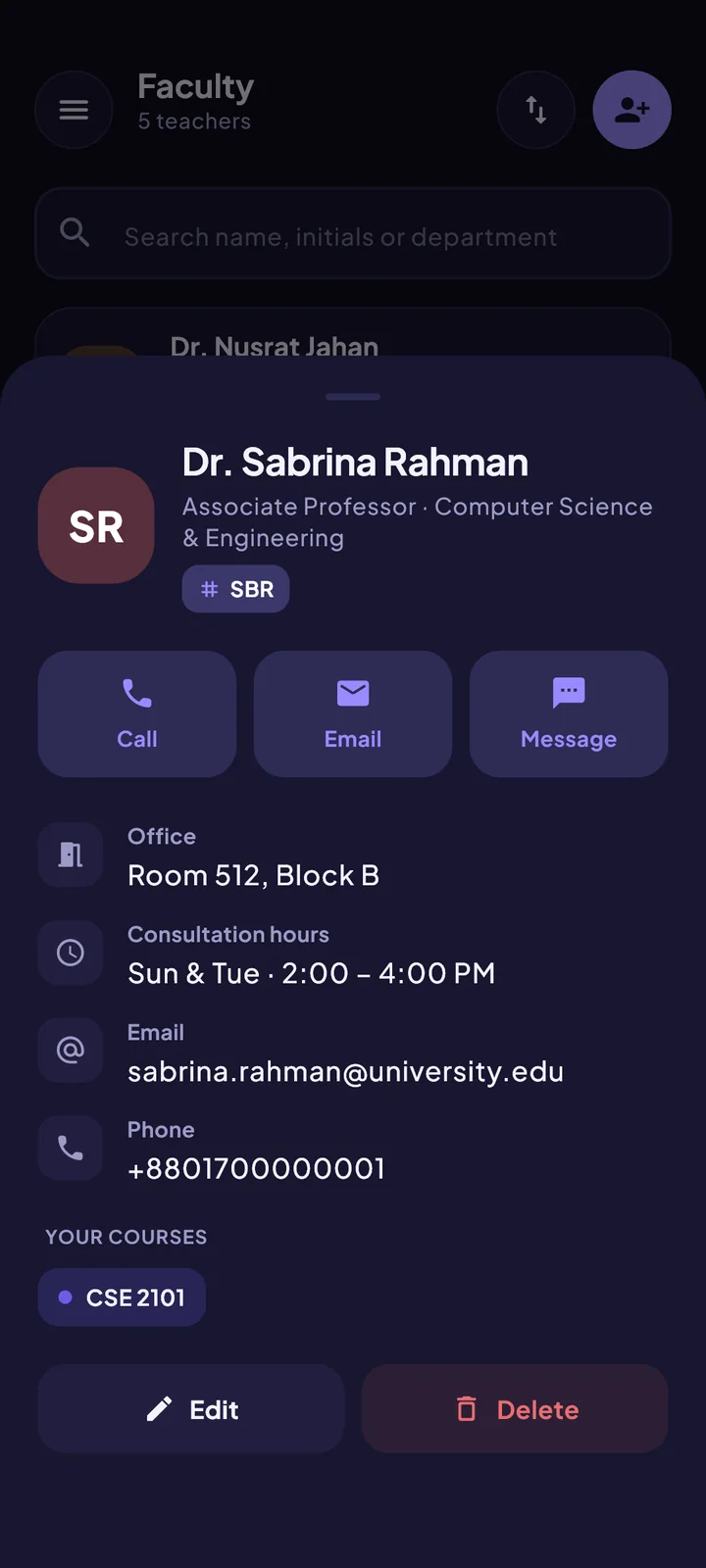
Teachers appear as you add classes, whichever university you are at. Import a ready-made list for yours, or add teachers yourself with a photo, office room and consultation hours.

  • Call, email or message from the app
  • Office room and consultation hours
  • Ready-made lists for many universities
  • Export your own list to share
The Faculty screen of the ClassCue app

Attendance

Never lose track of attendance

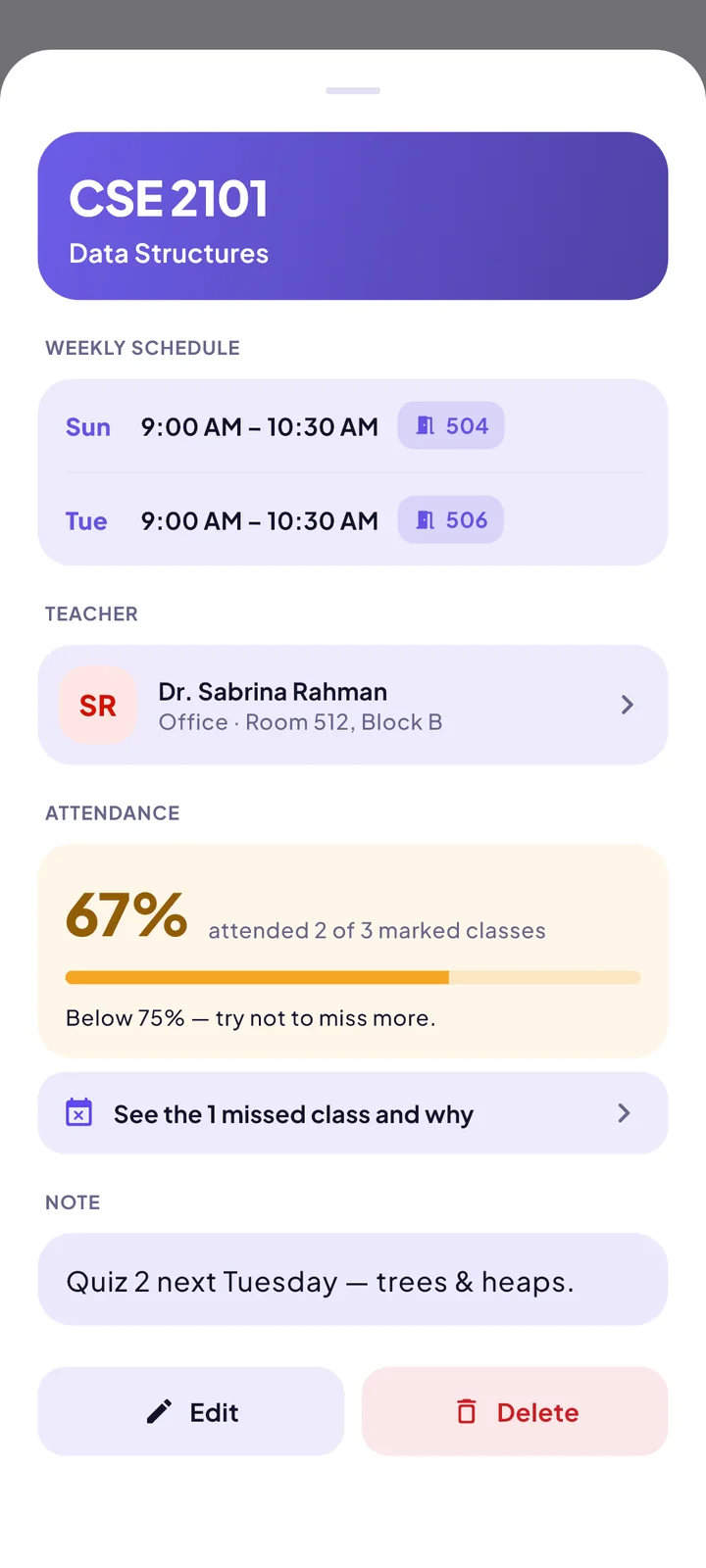
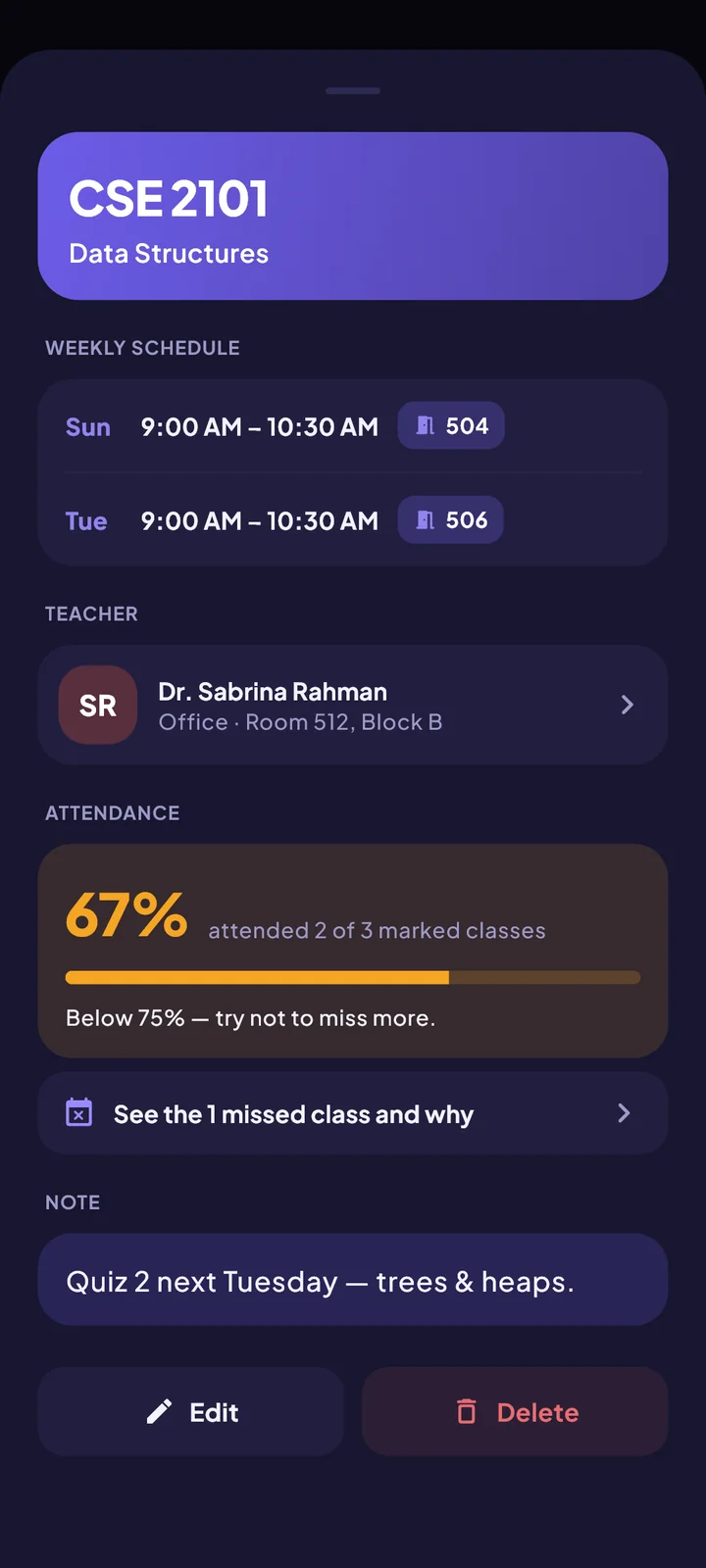
Mark each class attended or missed. ClassCue shows your percentage for every course and warns you when you slip below 75%.

  • See a percentage for each course
  • Note why you missed a class
  • One screen with every missed class
The Attendance screen of the ClassCue app

More

And a few things you will be glad of

  • Share a routine

    Send it as a message to classmates. They paste it into ClassCue and it is in.

  • New semester in one step

    Clear last semester’s classes and exams and keep your faculty list.

  • Dark mode, themes and fonts

    Make it yours, including a font designed for easy reading.

  • Private by design

    No account. Your routine stays on your phone, and photos are read on the device.

  • Backup and transfer

    Save a backup file and restore it on a new phone.

  • Always offline

    Everything essential works without internet.

Ready for a calmer semester?

Set up in a minute. Works offline. No account.